
Remote Support
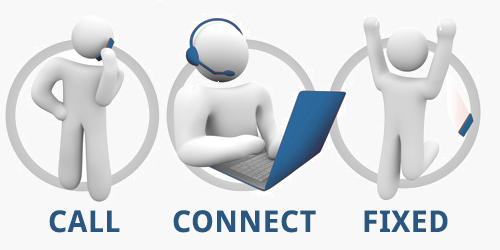
With your permission, I can log in to your PC or Mac and fix the problem. Wherever you may be. Whether you’re at Home or Business, in a coffee shop, or at the airport! With no on site call out it will save you even more time and money.
By clicking the yellow button above, a small file will begin to download called rustdesk.exe. It’s an amazingly easy little program, that once installed will generate a unique I.D and password that’s specific to our session.
Once it has finished downloading please click on the downloaded file (in the downloads section of your browser, or in your downloads folder). If a windows prompt appears, click the run button.
All you need to do is text or call me with the I.D number and password in front of you I can log in remotely and quickly fix the problem. For security reasons once the session ends no further remote sessions in the future are possible with that code, because it immediately expires.